 Simplytory
Track Anything... Anywhere... Scan it, store it, find it.
Simplytory helps you keep track of things. Add a "thing" with or without a barcode, store it away, and find it again in seconds. Inventory management made simple.
Join the closed beta Now in closed beta for iPhone users.


How it works
Three moves cover almost everything: give a thing a name, put it somewhere, and look it up when you need it. It all happens on your iPhone, and the web admin is there when you're at a desk.


-
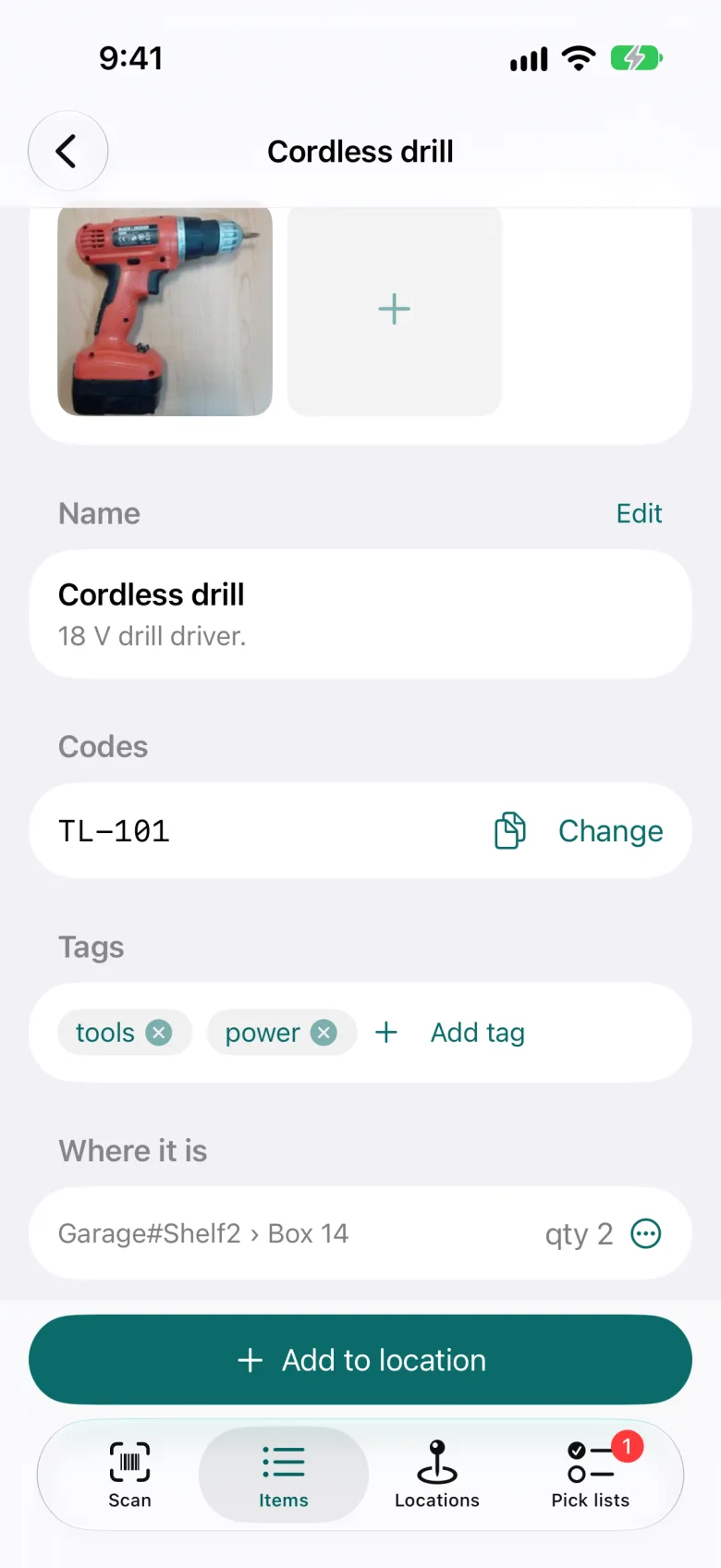
Add item
Give it a name and a photo, or use the code that's already on it. A label you print yourself works too, and so does no code at all.
- Name it, snap a photo and add a few tags.
- Use the code it already has, or print your own labels.
- Fill in the details now or later.
-
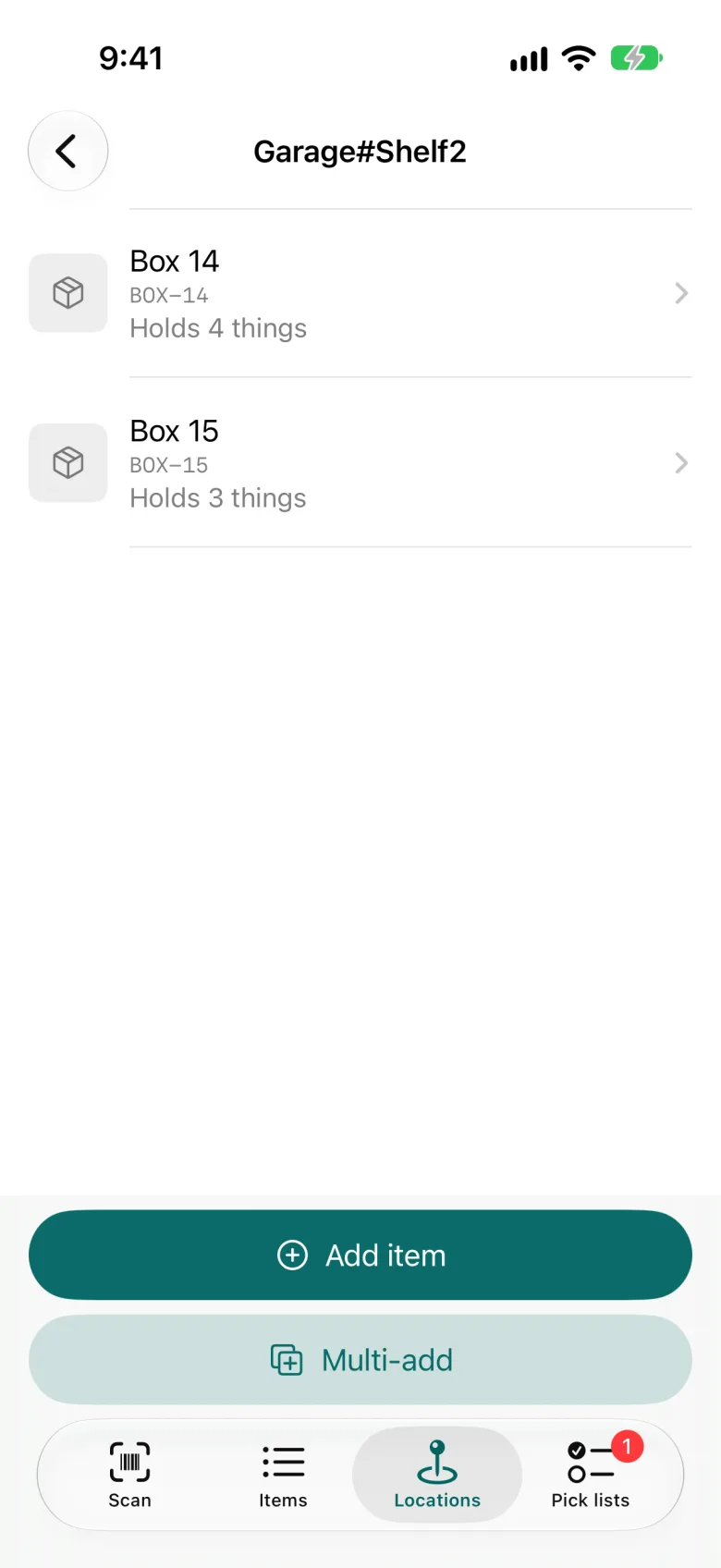
Store it
Scan a shelf, a bin or a room and put the thing there. Places are fixed spots like Garage#Shelf2. Boxes hold things and travel with them.
- Split a quantity across places: 3 on the shelf, 1 in the van.
- Move a box and everything inside it moves too.
- Every move is recorded: who, when, from where and to where.
-
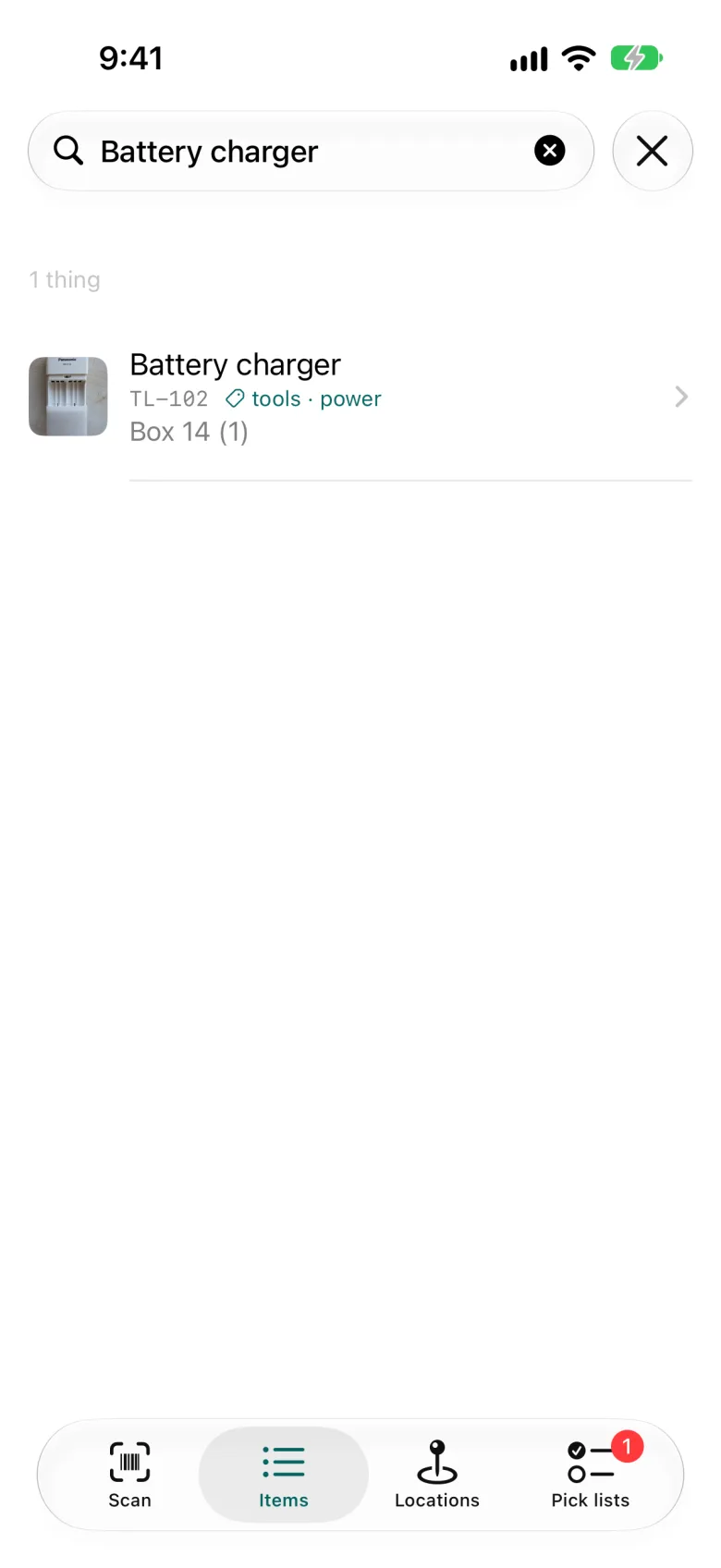
Find it
Search by name, code or tag, or just scan. Scan a thing to see what it is; scan a box to see what's inside without opening it.
- Filter by tag or place, or find things that have no place yet.
- Plan a delivery with a pick list and check it off as you load.
- Everyone on your team sees the same inventory, live.
Places hold boxes. Boxes hold things.
A shelf, a room, a bin or a van can each be a place with its own code. Put boxes in places and things in boxes, as deep as you like. Scan any of them to see what's inside.
Manage it all from your desk
The iPhone app is for the shelf. The web admin is for everything else: overviews, corrections and big changes, without scanning a thing.

- Import your existing list from a spreadsheet, and export it any time.
- Move or place many things at once, straight from the list.
- Plan pick lists, then check them off on the phone.
- See every move in the history: who, when and where.
- Invite your team and decide who can do what.
Use it for…
-
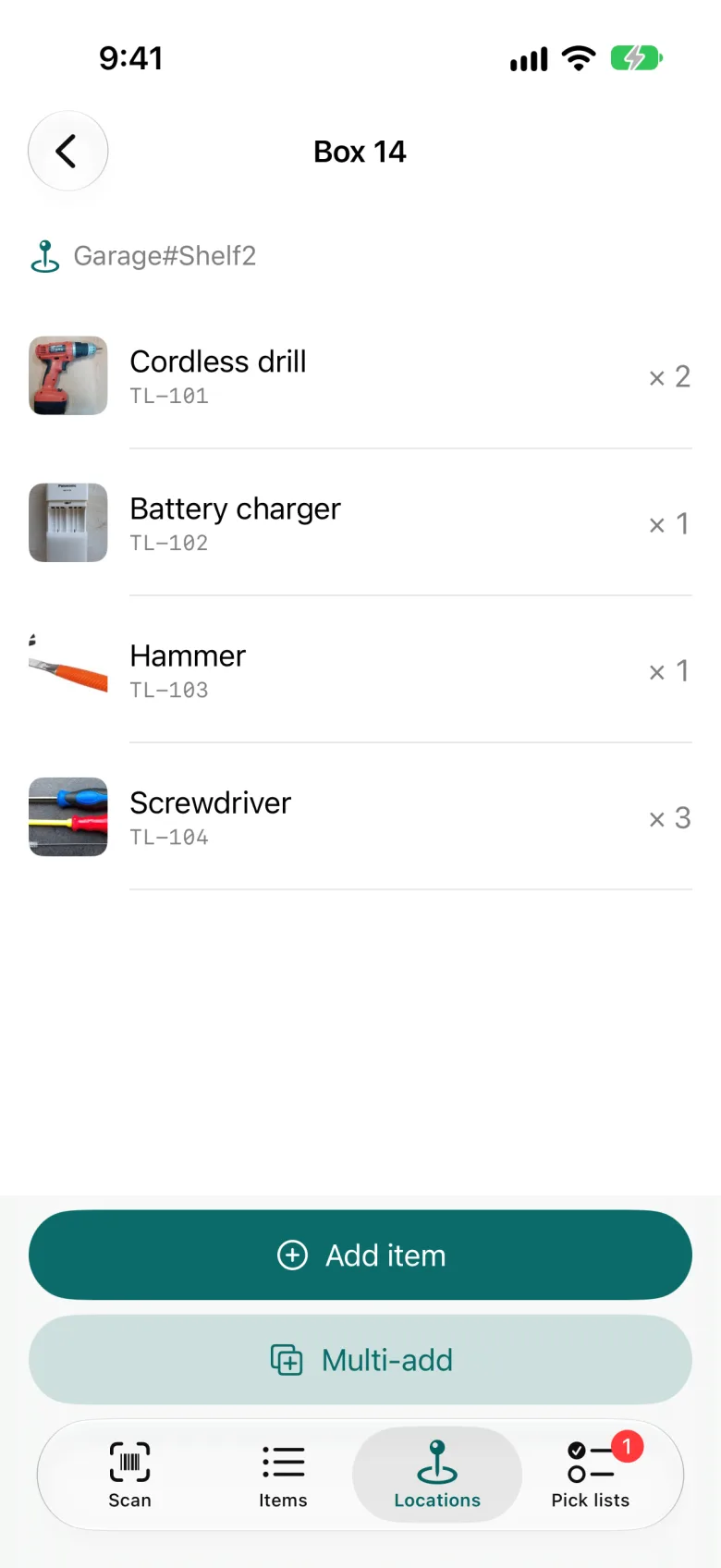
Box 14
The storage room
“What's in box 14?”
Scan the box and see inside without opening it.
-
Workshop#Drawer3
The workshop
“Which drawer has the M6 bolts?”
Search for them and get the answer: Workshop#Drawer3.
-
Van
The van
“Is the ladder on the truck?”
Scan things on and off. The van is just another place.
-
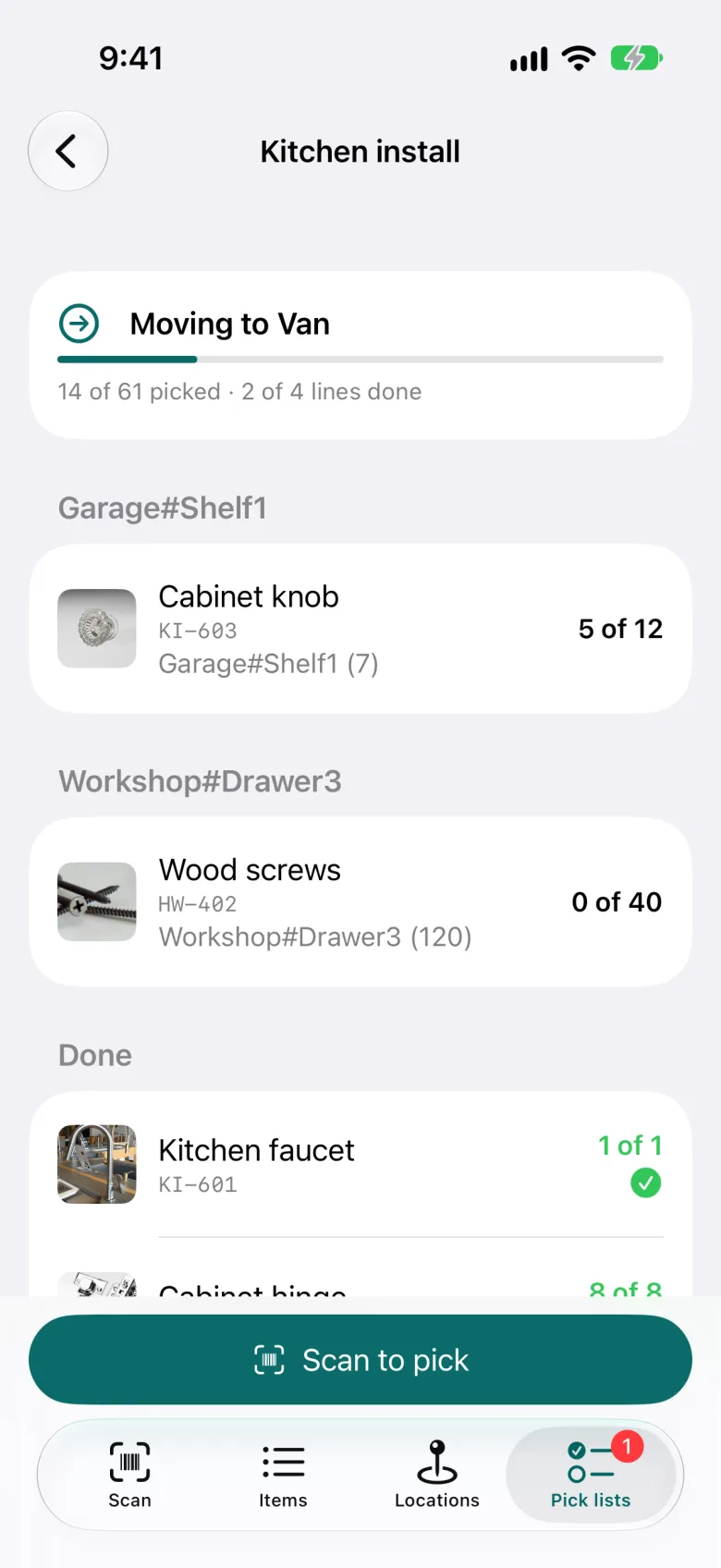
Kitchen install
Moving or a big delivery
“Did everything make it onto the truck?”
Make a pick list of everything that has to get there, and check it off as it's loaded.
-
Garage#Shelf2
Home
Garage tools, spare cables, camping gear.
Scan the bin on the garage shelf, and find it when you need it.


Deliberately simple
Simplytory keeps track of what you have and where it is. That's the whole job.
Purchase orders, not includedAccounting, not includedA setup project, not needed
Print a QR label for a shelf, scan a few things onto it, and you're running.
Join the closed beta
We're letting a small group in first: teams, workshops, contractors and households. Tell us a little about what you keep track of, and we'll be in touch.